
Kids & Learning · STEM coding toys
STEM Coding for Kids: The Best Toys, Kits and Games to Get Started
What coding really teaches, the best age to begin, and nine toys that make learning feel like play.
Affiliate note: This post contains affiliate links. As an Amazon Associate I may earn a commission from qualifying purchases, at no extra cost to you. Thank you for supporting this site!
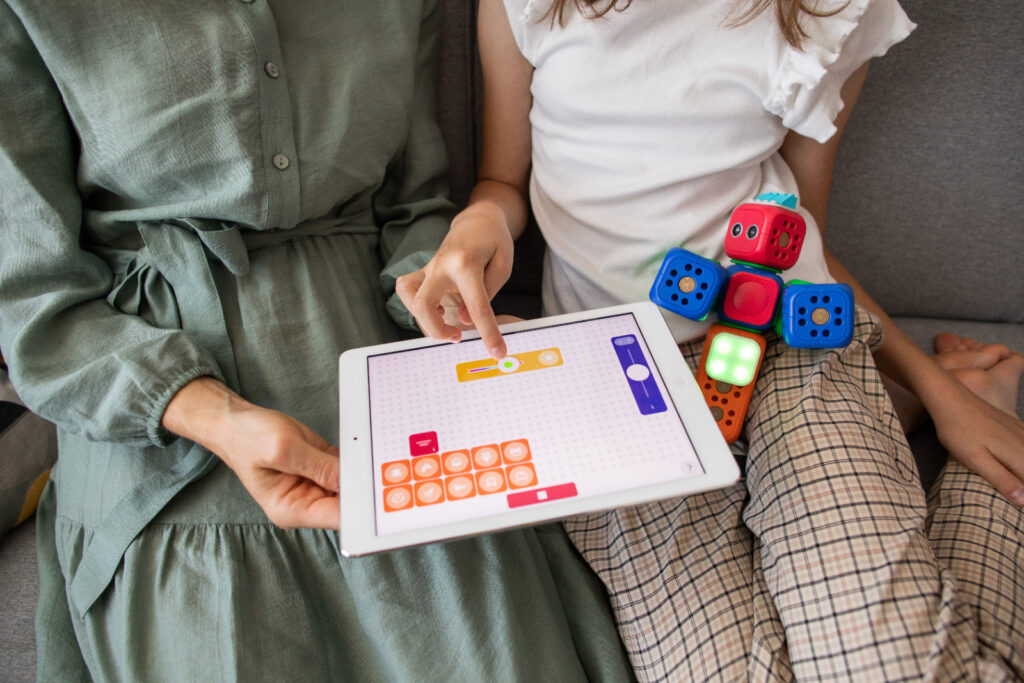
If you have ever watched a child line up blocks, build a marble run or ask “but why does it do that?”, you already know they are natural problem solvers. STEM coding for kids simply gives that curiosity a new playground. The good news: you do not need to be a programmer, and you do not need a screen, to get started.
In this guide you will find what coding actually teaches kids, the best age to begin, the difference between screen-free and screen-based learning, and a hand-picked list of coding toys for kids, STEM toys for kids and educational toys that make learning feel like play.
Why teach kids to code?
It is really a way of thinking
Not every child will grow up to be a software engineer, and that is perfectly fine. Coding is really a way of thinking. When kids learn to code, they practice:
- Logical thinking: putting steps in the right order so something works
- Problem-solving: figuring out why it didn’t work and trying again
- Creativity: inventing games, stories and characters
- Persistence: learning that mistakes (“bugs”) are normal and fixable
- Early math skills: patterns, sequencing, counting and spatial reasoning
These STEM skills for kids carry into every subject and every future career, which is why parents and teachers love STEM learning toys so much.
The real magic
What coding quietly builds in your child
Picture this: your child’s little robot turns the wrong way and bumps into the sofa. Instead of giving up, they laugh and say, “Wait, I know what I did wrong!” That moment is the whole point. Coding quietly builds life skills for kids that last long after the batteries die:
- Confidence: every bug they fix says “I can figure this out,” a real boost for problem-solving.
- Step-by-step thinking: big tasks become small, doable pieces, the heart of logical thinking.
- Creating, not just using: they build the game instead of only playing it, which makes STEM learning fun.
- A growth mindset: mistakes become clues to follow, not catastrophes.
- Patience and focus: hands-on STEM toys make kids want to stick with a challenge.
- Teamwork: sharing ideas and explaining their thinking, key 21st-century skills.
- A head start: understanding the tech behind almost every future career.
Easy ways to cheer them on (no coding degree needed)
Good news: you are the best coach your child could have, and you don’t need to understand a single line of code.
- Be curious out loud. Ask “What do you think will happen if we change this?” and let them explain.
- Celebrate the try, not just the win. “I love how you kept going!” is a superpower sentence.
- Let them wiggle through the tricky bit. A short struggle is where the learning happens, so count to ten before you jump in.
- Play together. Kids light up when a parent is genuinely excited about their creation.
- Keep it a mix. Music, art, building blocks, puzzles and chess build the same thinking skills, so coding works best as one colorful piece of a playful childhood.
What is the best age to start coding?
There is no single perfect age
- Ages 3 to 5: Play-based and screen-free. Think preschool coding toys, building blocks, sequencing cards and simple programmable robots.
- Ages 5 to 7: Beginner coding robots for kids, board games and drag-and-drop apps like ScratchJr.
- Ages 8 to 10: Block coding with Scratch, robotics kits for kids and construction sets with programmable parts.
- Ages 10 and up: Real text-based languages such as Python or JavaScript, plus more advanced STEM kits for kids.
The most important rule is to follow your child’s interest. If they are keen at four, wonderful. If they discover coding at eleven, they are not behind. Keep it light, keep it fun, and never turn it into homework.
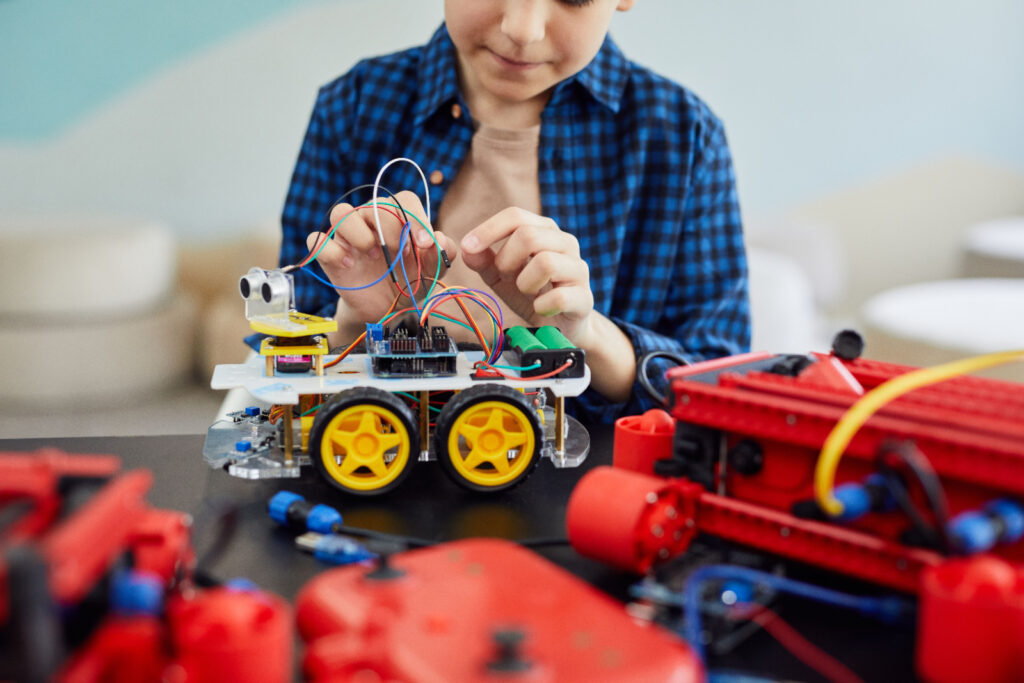
Screen-free vs. screen-based coding
A healthy mix works for most families
Many parents want to limit screen time, and that is completely reasonable. The great thing is that you can teach coding concepts with no screen at all.
Screen-free coding toys use cards, buttons, tiles or physical blocks to teach sequencing and logic. They are perfect for younger children and for families who want hands-on screen-free STEM activities.
Screen-based coding (apps, websites and tablet kits) is a great next step once kids understand the basics. Visual “drag-and-drop” block coding lets them build games and animations without worrying about spelling or punctuation, and many tools later bridge into real code.
Best coding toys and kits for kids
Quick comparison: which one fits your child?
Here are some popular, well-loved options across different ages and budgets. Always check the age range and reviews on the product page before you buy.
| Toy or kit | Ages | Screen? | What it builds |
|---|---|---|---|
| Screen-free coding robots | 3 to 6 | No | Sequencing, directions, early logic |
| Botley 2.0 | 5 to 9 | No | Step-by-step programming, spatial thinking |
| Coding board games | 4 to 8 | No | Planning ahead, debugging, teamwork |
| Osmo Coding Starter Kit | 5 to 10 | Tablet | Logic, sequencing, creative problem-solving |
| Kano Computer Kit | 6 to 12 | Yes | Hardware basics, block coding, creativity |
| LEGO robotics sets | 7 and up | Varies | Engineering, creativity, programming |
| mBot robotics kit | 8 and up | Yes | Engineering, block coding, then Python |
| Sphero robot balls | 8 to 14 | Yes | Block coding, JavaScript, physics |
1. Screen-free coding robots for little kids
The easiest first step for preschoolers
Why we love it
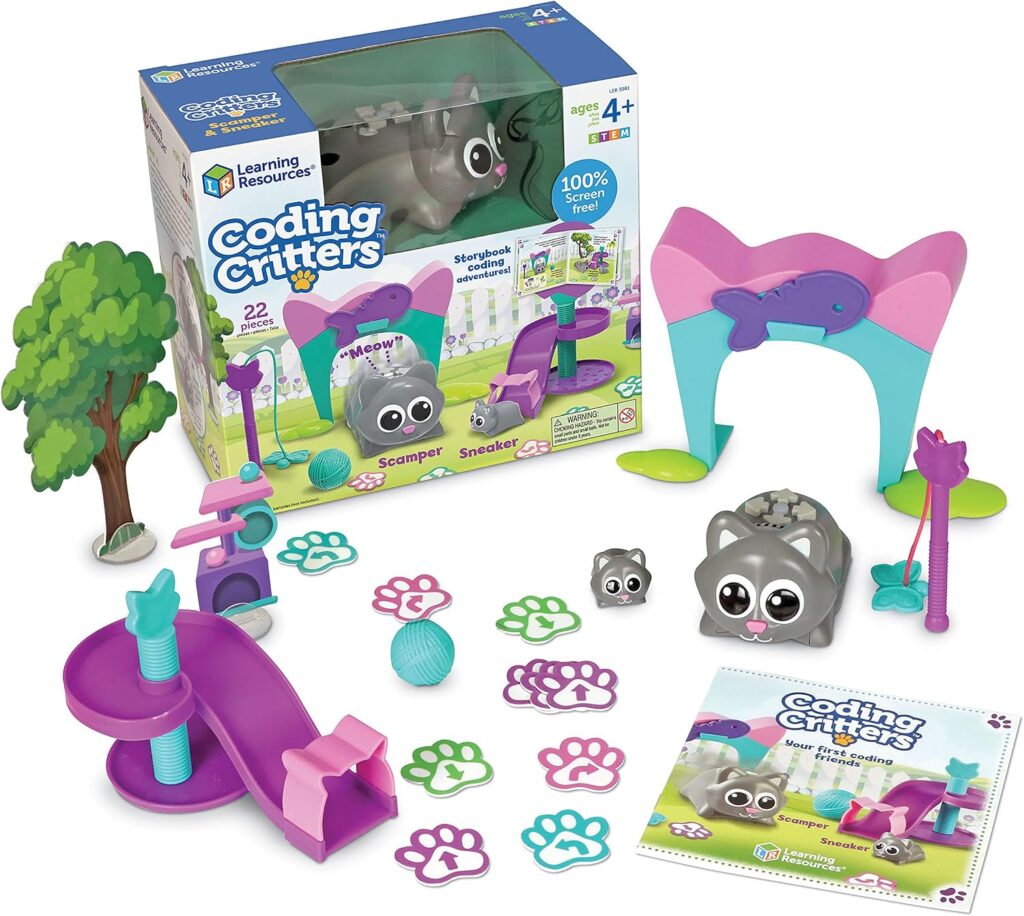
A programmable robot mouse or caterpillar is one of the easiest ways to introduce coding for preschoolers. Kids press arrow buttons or snap together pieces to “program” a path, then watch it move. Popular examples include Learning Resources Code & Go Robot Mouse, Learning Resources Critters The Narwhal and Coding Critters.
A friendly, affordable first robot
Why we love it
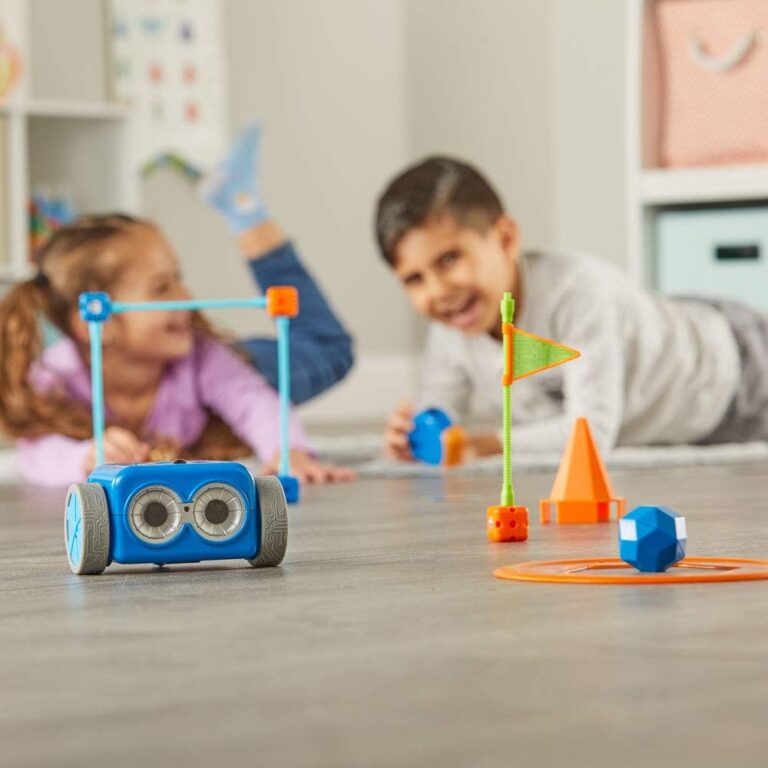
Botley 2.0 is a fan favorite among coding robots for kids. Children program it to follow routes, avoid obstacles and even follow black lines, all without a screen. It is a friendly, affordable first step into robotics.
A bridge between hands-on and screen play
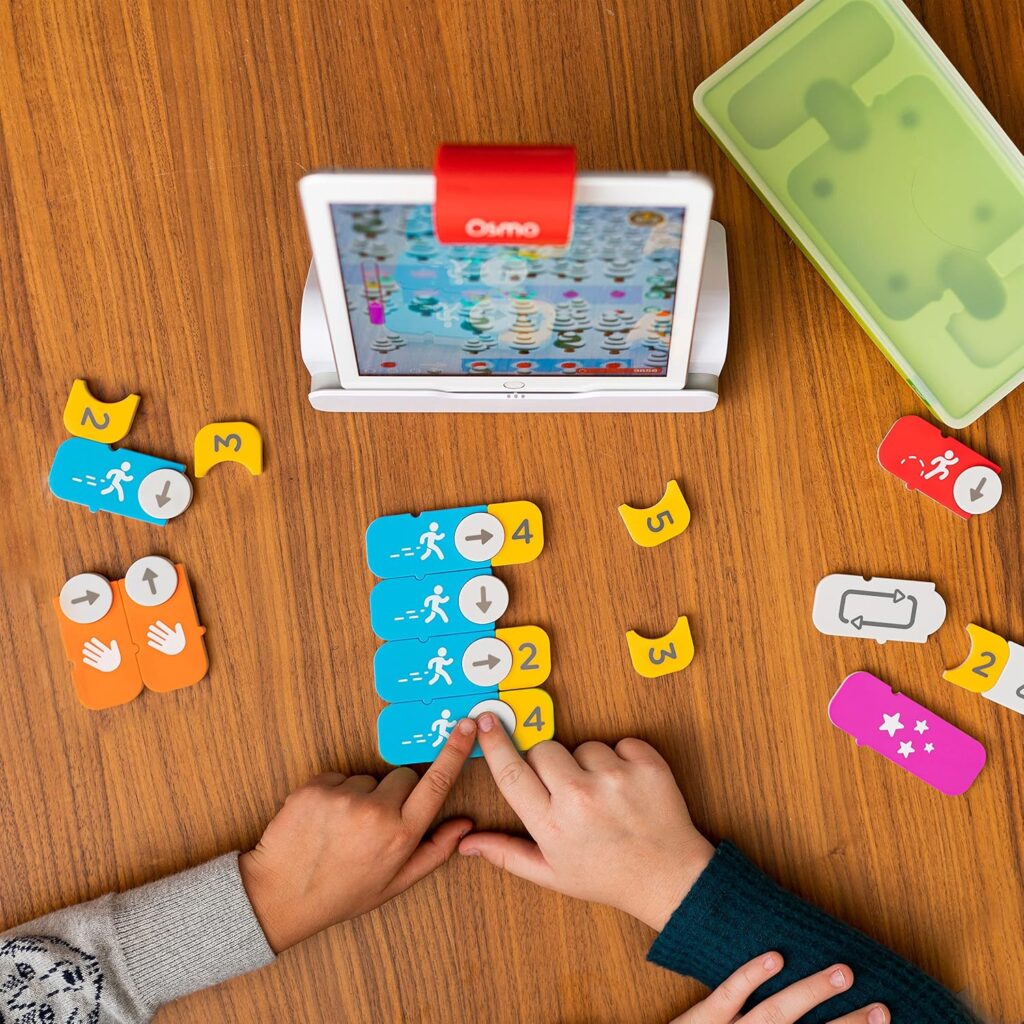
Why we love it
This hands-on kit works with a tablet. Kids arrange physical coding blocks while the game responds on screen, which makes it a lovely bridge between screen-free and screen-based play.
Coding concepts around the kitchen table
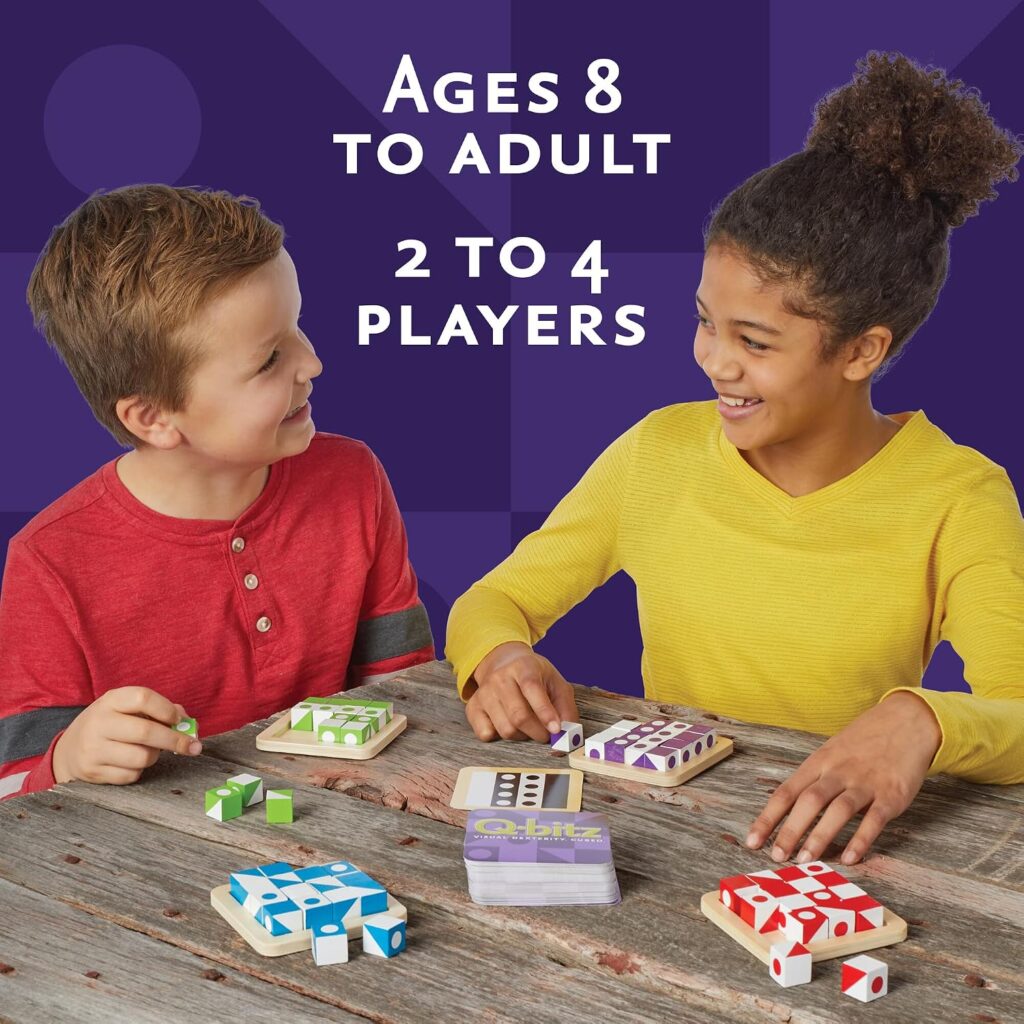
Why we love it
Board games like MindWare Q-bitz and similar logic games teach coding concepts around the kitchen table. They are excellent educational toys for family game night and a great way for parents to join in.
5. mBot and beginner robotics kits
Build it, then program it
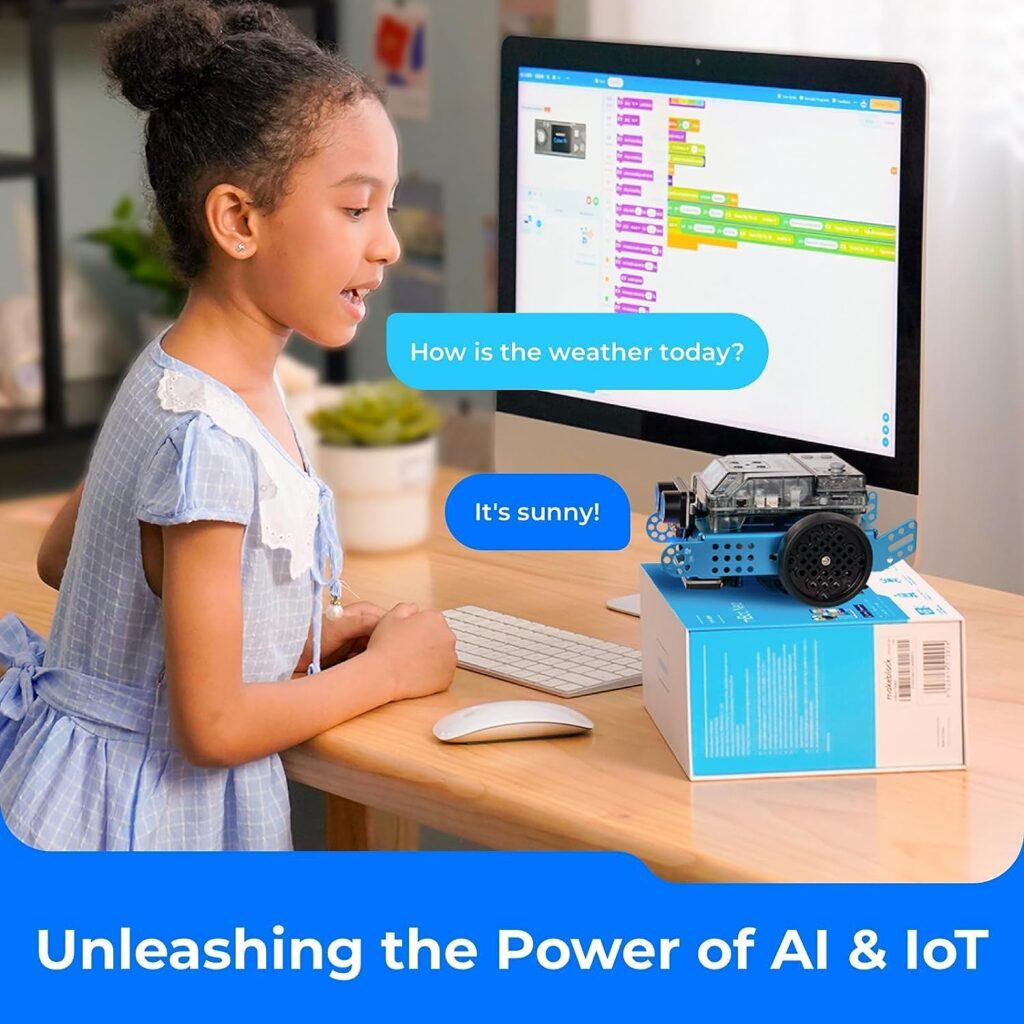
Why we love it
The Makeblock mBot series is a well-known STEM robotics kit that kids build themselves and then program with drag-and-drop blocks, with Python available as they grow. It is a bit of an investment but offers plenty of room to grow.
6. LEGO robotics and building sets
Build a creation, then bring it to life
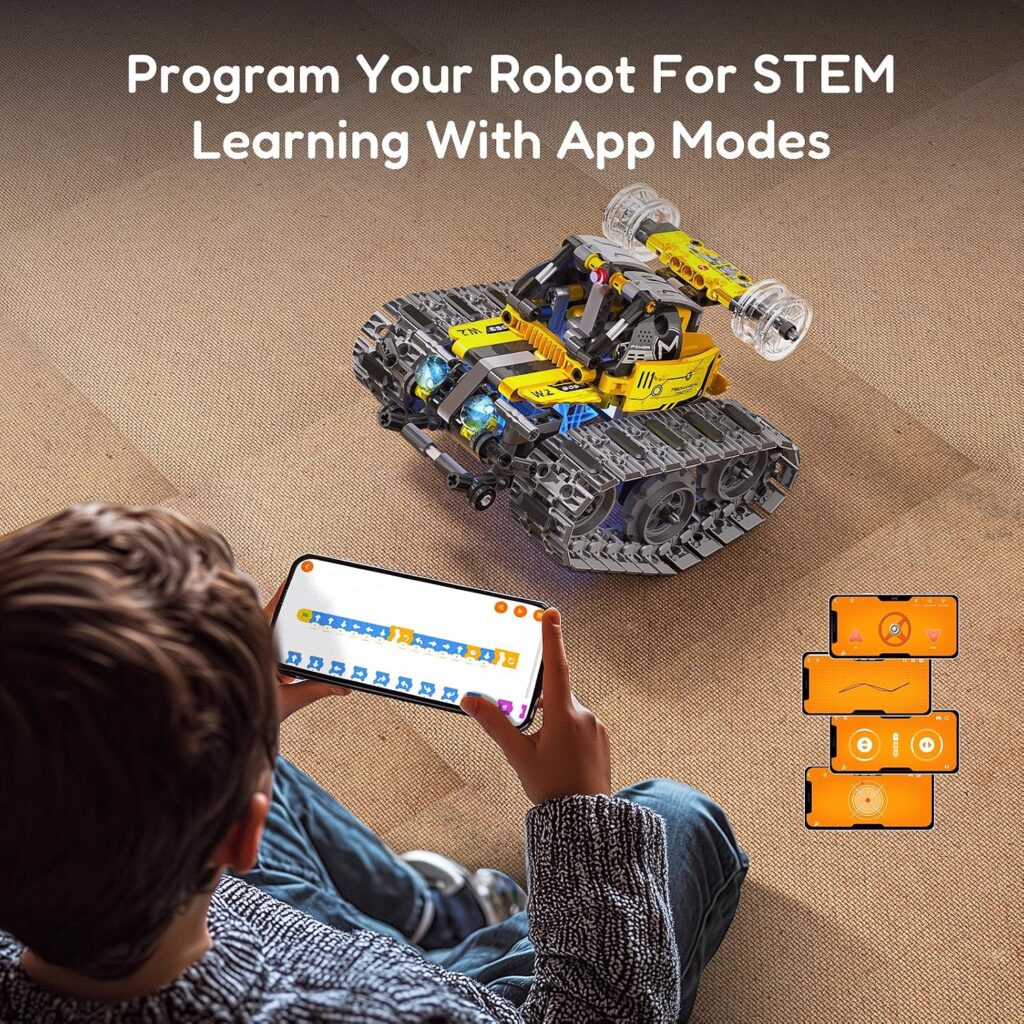
Why we love it
LEGO has long been a favorite for STEM building toys, and their robotics and coding sets let kids build a creation and then bring it to life with code.
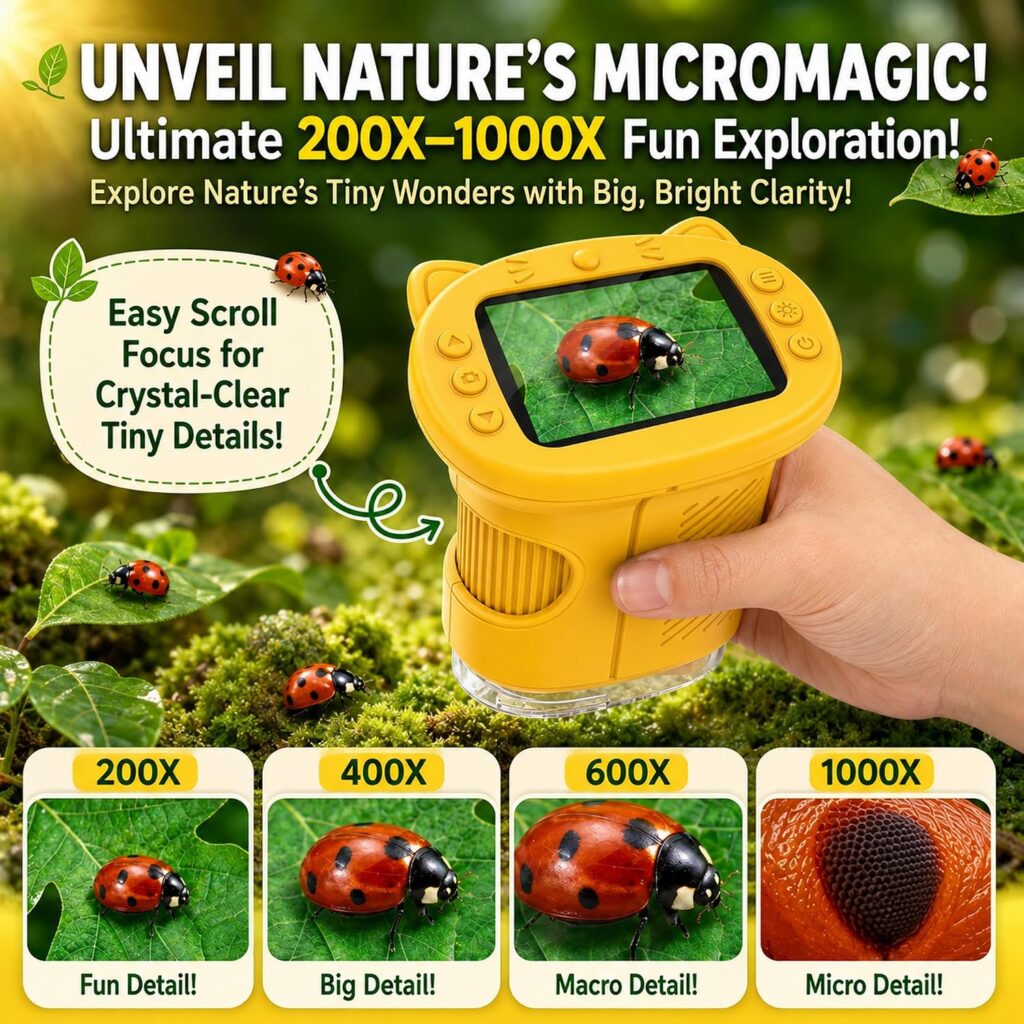
7. Kids microscope, 4K 1000X zoom
For little scientists who ask “what is that made of?”
Why we love it
Reveal the micro-world with real 1000X magnification. The 2.4-inch colour screen lets kids see plant cells and insect details clearly, with no tricky glass slides. A fun handheld pick for backyard exploring and everyday science.
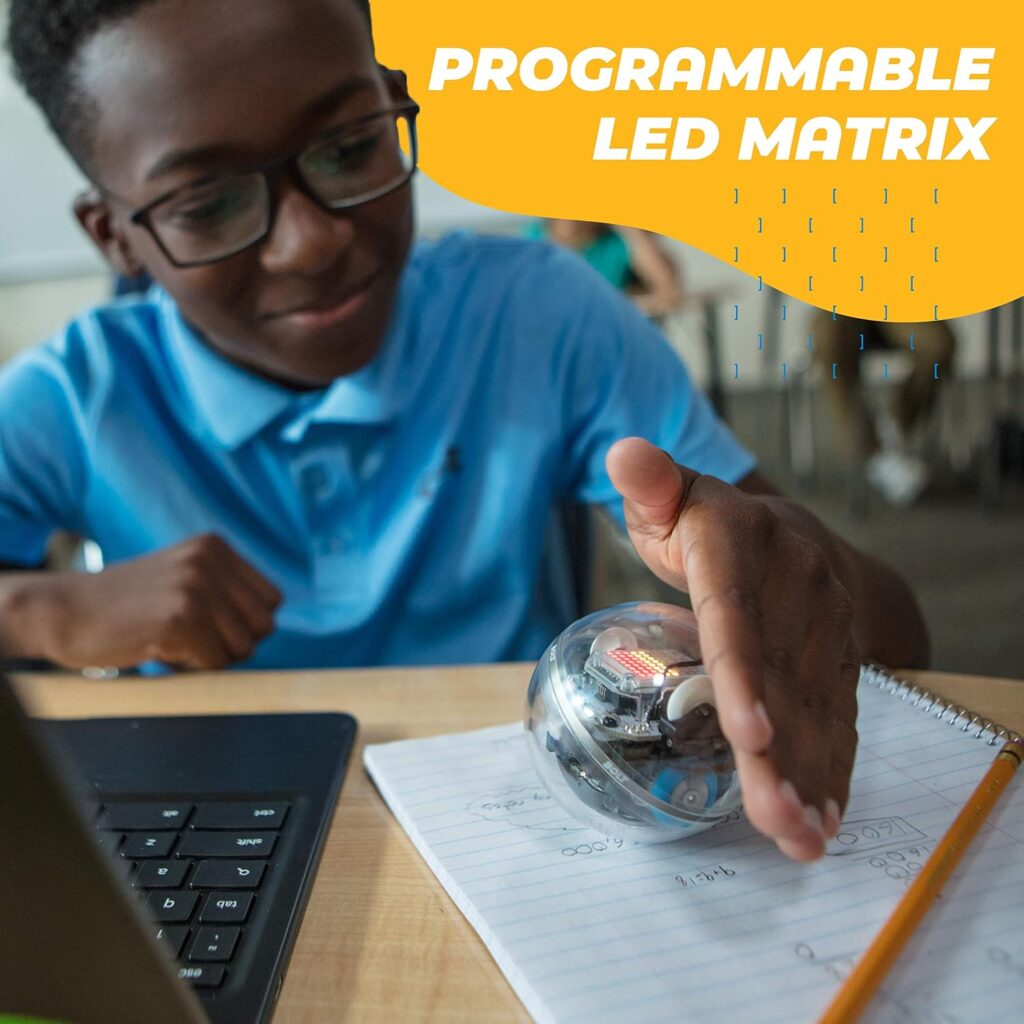
8. Sphero programmable robot balls
A gadget that grows with them
Why we love it
Sphero robots roll, spin and light up, and kids can program them with simple blocks or real JavaScript. A great pick for kids who love gadgets and want a toy that grows with them.
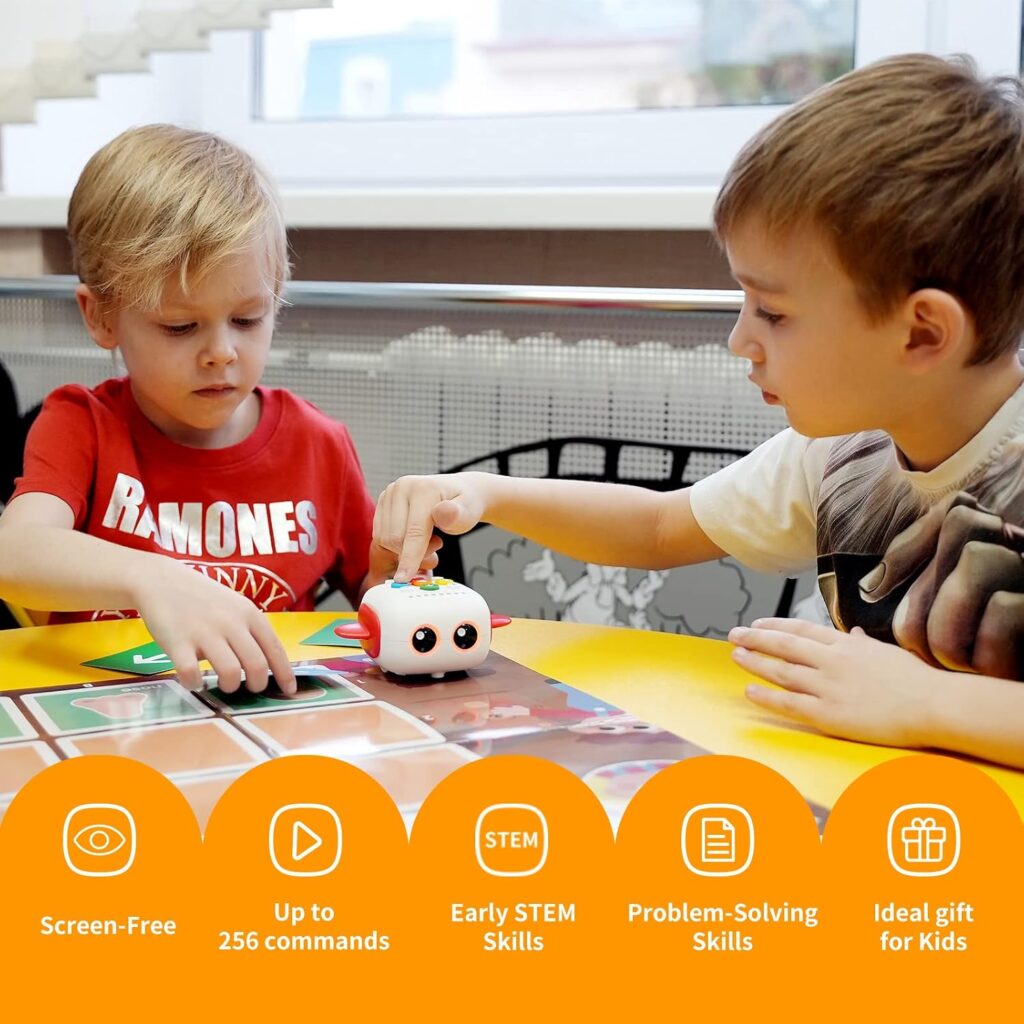
9. Tale-Bot Pro screenless coding robot
The simplest start for ages 3 to 5
Why we love it
A cute cartoon car robot and the simplest robot in its series. Kids press buttons to plan the route, then watch it go, with no screen needed. Made especially for ages 3 to 5.
Free ways to learn coding at home
You don’t have to spend a lot to start
- ScratchJr and Scratch: drag-and-drop animation and game creation
- Code.org: free lessons and the popular Hour of Code activities
- Blockly and MakeCode: block coding with a simple path into text-based code
Try a few and see which one makes your child light up.
Drag-and-drop or typed code?
Where to begin
For most beginners, block coding for kids is the best starting point. It looks colorful, feels like a puzzle, and removes the frustration of tiny typing mistakes. Once your child is confident, tools that show blocks alongside real code make the move to Python or JavaScript feel natural.
Most kids move along this path at their own speed, and some stay happily on blocks for a long time.
Tips for making STEM coding fun
Keep it light, keep it play
- Start with play, not lessons. Let kids explore before you explain.
- Celebrate bugs. Fixing mistakes is where the real learning happens.
- Learn together. Kids love showing a parent what they built.
- Connect it to their interests. Animals, space, art, music and games can all become coding projects.
- Keep sessions short. Fifteen to twenty enjoyable minutes beats an hour of struggle.
- Don’t push. Interests grow when kids feel free to explore.
Final thoughts
Which coding toy should you start with?
STEM coding for kids is less about creating the next tech genius and more about building confident, curious, creative thinkers. Whether you begin with a simple screen-free coding toy, a robotics kit or a free app, the best choice is the one your child actually enjoys. Pick one idea from this list, try it this weekend, and see where their curiosity leads.
↗ Start with Tale-Bot Pro (ages 3 to 5) ↗ Or Botley 2.0 (ages 5 to 9)
Loved this guide? Save it to your Pinterest board so you can find these STEM toys and coding ideas for kids whenever you need them.
This post contains affiliate links. As an Amazon Associate I earn from qualifying purchases at no extra cost to you.
Leave a Reply